Monthly budget
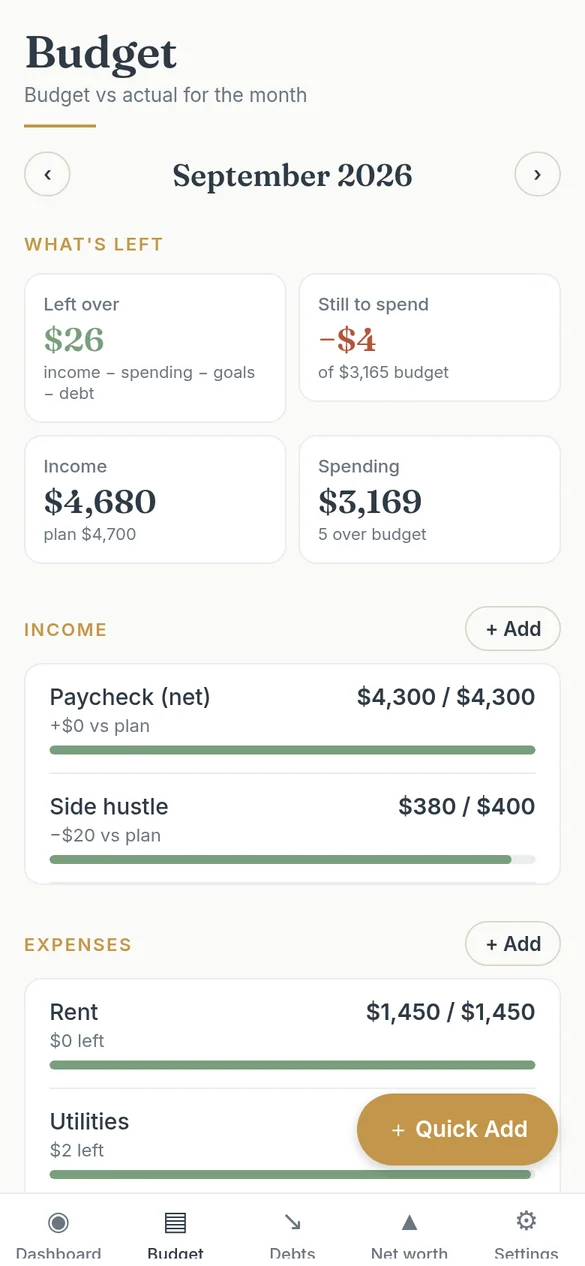
Income, expense and savings‑goal categories with budget vs actual. See what’s left for the month and switch between months.

Coming soon to iOS & Android
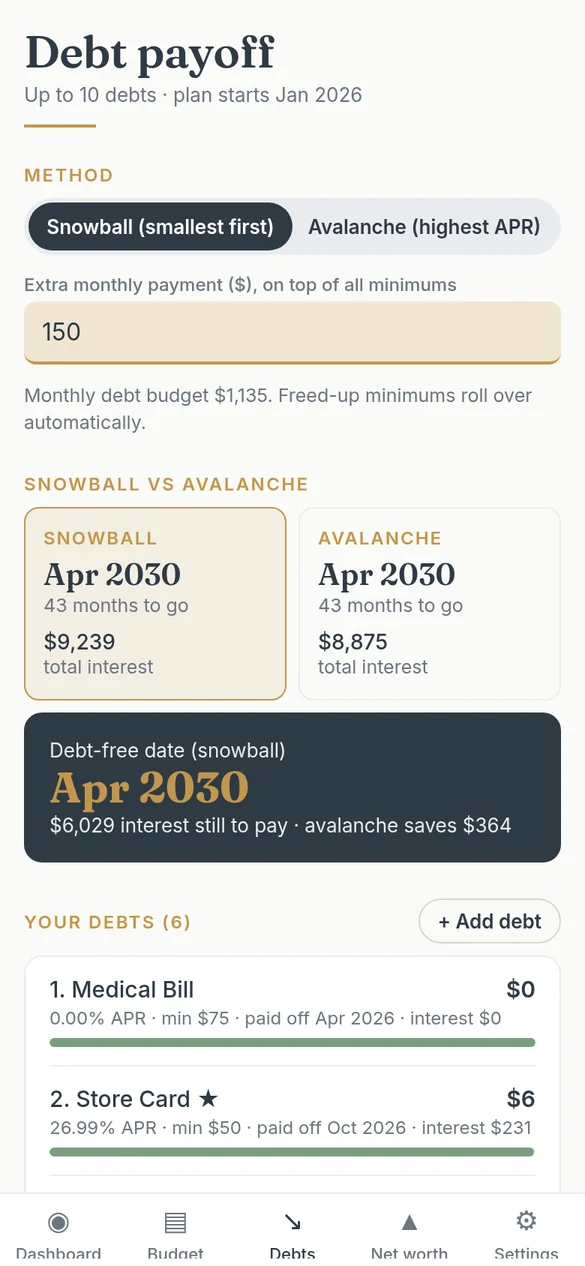
Plan your month, pick snowball or avalanche, and see your debt‑free date. No account, no bank login: your numbers stay on your phone.
Type in your own numbers and Sigvy does the math: totals, what’s left, payoff dates and progress. It opens with a sample household so you can see every screen working.
Income, expense and savings‑goal categories with budget vs actual. See what’s left for the month and switch between months.
Enter an amount, tap a category, save. Log a debt payment the same way and your payoff plan updates.
Compare snowball and avalanche side by side. See your debt‑free date, the interest still to pay and a monthly payoff schedule.
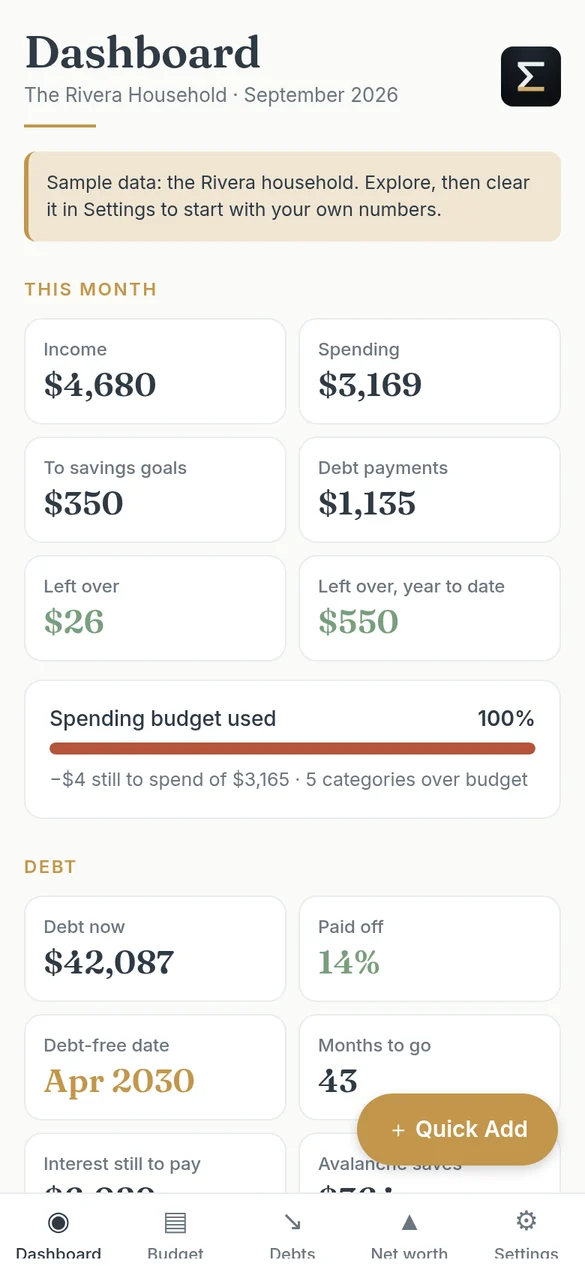
This month at a glance: income, spending, goals, debt payments and what’s left over, plus year‑to‑date totals and a 6‑month chart.
Monthly snapshots of assets and liabilities, your FI number, years to FI and your savings rate.
Export your data as CSV for free; import it to restore a backup or move to a new phone with Pro.
No account. No bank login. No server. Everything you enter is stored on your phone, and manual entry means you see every number.
No subscription. Pro is a single in-app purchase that’s yours for good.
US dollars only. Pro is bought in the app through the App Store or Google Play.
Prefer spreadsheets? Get the SlateAndSum templates for Google Sheets and Excel at www.slatesum.com.
Sigvy: Money Planner is coming soon to the App Store and Google Play. Store links will appear on this page as soon as it’s live.
No. Sigvy is manual entry only. There’s no account to create and no bank connection; your data stays on your phone.
Export your data as CSV files (free) and save them wherever you like with your phone’s share sheet. Importing them on a new phone is part of Pro.
No. The app is free, and Pro is a one-time $19.99 in-app purchase.
No. Sigvy is an organizing and planning tool. Debt-free dates, FI dates and other projections are estimates based on the numbers you enter.
Yes. The SlateAndSum budget, debt payoff and net worth templates for Google Sheets and Excel are at www.slatesum.com. The app’s CSV files use the same columns.
Questions about the app, Pro or your data? Get in touch.
Message sent
Thanks for getting in touch. We’ll reply to the email you gave us, usually within 1–2 business days.
Your message didn’t go through
Please check the form and try again in a few minutes.